
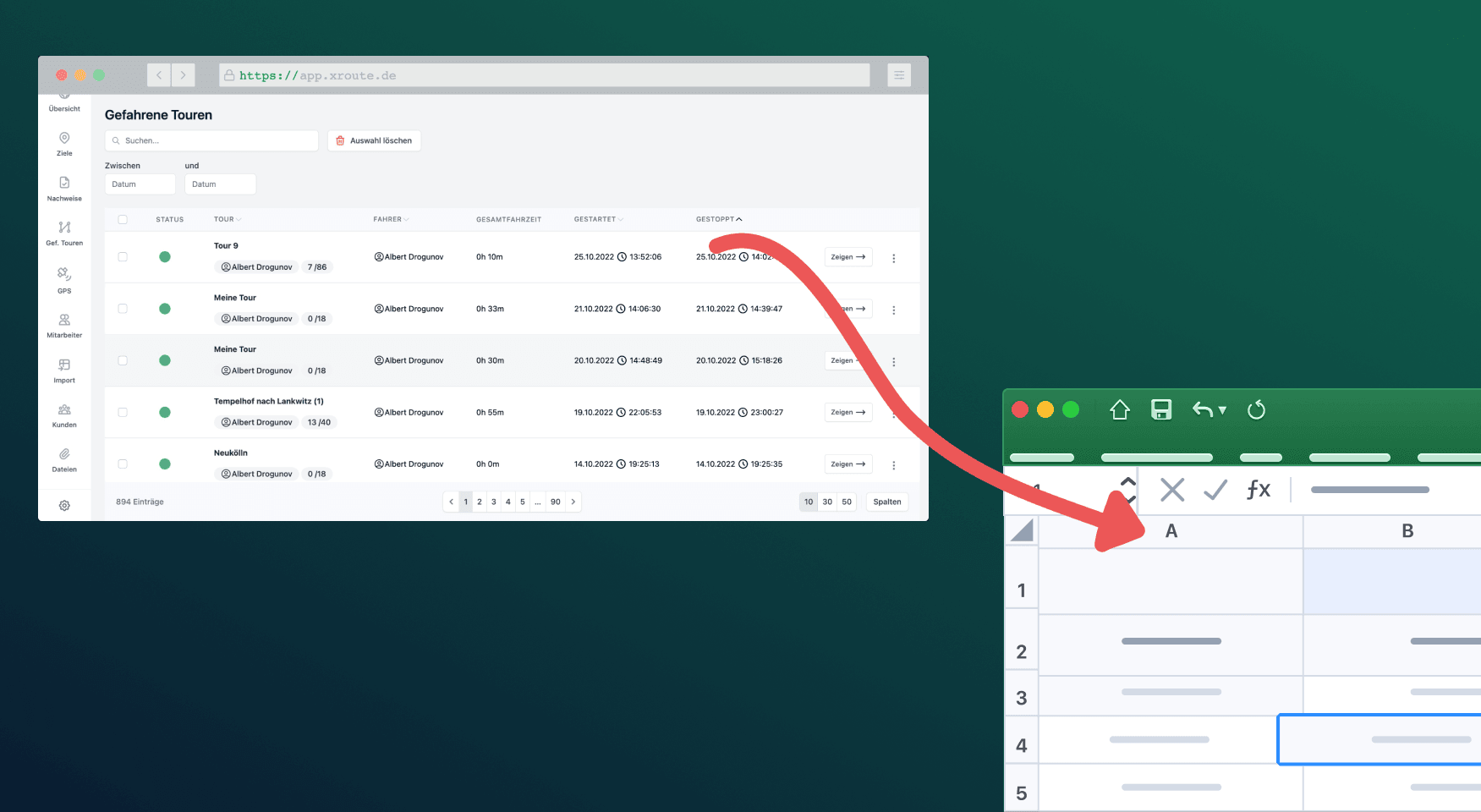
If you work in spreadsheets and your business also runs routes, this one is for you. Here is how to have your team's hours captured automatically and exported as a spreadsheet at the end.
The simplest form of digital time tracking is still a spreadsheet. One person maintains it for everyone, it gets emailed around or parked somewhere everybody can reach. No new software to buy and everyone immediately knows how it works.
The problem is that you have to make sure everybody has actually entered their hours, that the sheet is current, and that nobody has mistyped. It is easy to lose the thread.
So the ideal is an app that captures all the hours and then hands them back as a spreadsheet. You get the accuracy of digital capture and the freedom of the spreadsheet.
Apps that export to a spreadsheet
Perhaps not everyone in your business drives routes. In that case you can of course keep entering hours manually in your spreadsheet, or try one of these. We picked out products that let you export all recorded hours back to a spreadsheet and carry on working with them:
- Clockify
- Toggl Track
- Hubstaff
- Connecteam
- Jibble
- QuickBooks Time
The core functions are similar across all of them. Where they differ is in design, in which integrations are available, and in how well they handle working without a signal.
Clockify
A time tracker with a generous free tier, project and task tracking, and reporting. Works in a browser and on mobile. Exports to spreadsheet, CSV and PDF.
Toggl Track
Focused on ease of use and speed of entry, with a one-click timer, project tracking and reporting. Good for teams that want tracking to disappear into the background.
Hubstaff
Time tracking with GPS and geofencing, which is the relevant part for field teams. Also does job costing and payroll integrations.
Connecteam
Built for deskless teams, so time tracking sits alongside scheduling, checklists and communication. Kiosk mode turns a shared tablet into a clock-in terminal.
Jibble
Time tracking with facial recognition and GPS on the clock-in, aimed at shift and field work. Has a free tier.
QuickBooks Time
Formerly TSheets. Strongest where the payroll and accounting are already in QuickBooks, since the hours flow through without an export step.
Pricing across these ranges from a free tier to somewhere in the region of a few dollars per user per month, and it changes often enough that it is worth checking the current page rather than trusting a number in a blog post. Most offer a free trial.
No lock-in, thanks to the export
The good thing about all of these is that you can sign up without a long commitment and cancel monthly. And because your data can always be exported back to a spreadsheet, there is less standing between you and switching to a different app, or back to the spreadsheet entirely. If one of them does not suit you or your team, you are not tied to it.
That is worth checking before you commit, though: confirm what the export actually contains. An export that gives you totals but not start and end times is not the same thing, and it is the detail that matters if you are ever asked to evidence hours worked.
If your team drives routes, there is a shortcut worth knowing. When the hours come out of the route itself — when a driver starts and ends the route in the same app they navigate with — nobody has to remember to clock in at all. That is how xRouten handles it, with the same spreadsheet export at the end.
Try xRouten free for 14 days
Try it now