

You are planning routes with more than 10 stops and wondering whether there is a route planner that optimizes the order and costs nothing. There is — several, in fact, and not only the one everybody names. Here are eight free route planners with optimization built in:
- Vroom
- MapQuest
- MyRouteOnline
- OpenDoorLogistics
- OptaPlanner
- MultiRoute
- RouteXL
- SpeedyRoute
All of them are either completely free or have a free tier of up to 100 addresses.
| Stops | Notable | Export | |
|---|---|---|---|
| Vroom | 100 | Up to 10 routes at once | link only |
| MapQuest | 26 | Check your units before you start | CSV, PDF, link |
| MyRouteOnline | 23 | Lots of settings available | CSV, PDF, link |
| OpenDoorLogistics | 100+ | Has to be installed | CSV, PDF, GPX |
| OptaPlanner | 100+ | Has to be installed | CSV, PDF, GPX |
| MultiRoute | 20 | CSV, PDF, GPX, link | |
| RouteXL | 20 | CSV, PDF, GPX, link | |
| SpeedyRoute | 10 | CSV, PDF |
Limits and prices checked September 2026. Free tiers change often — check before you commit to one.
Vroom
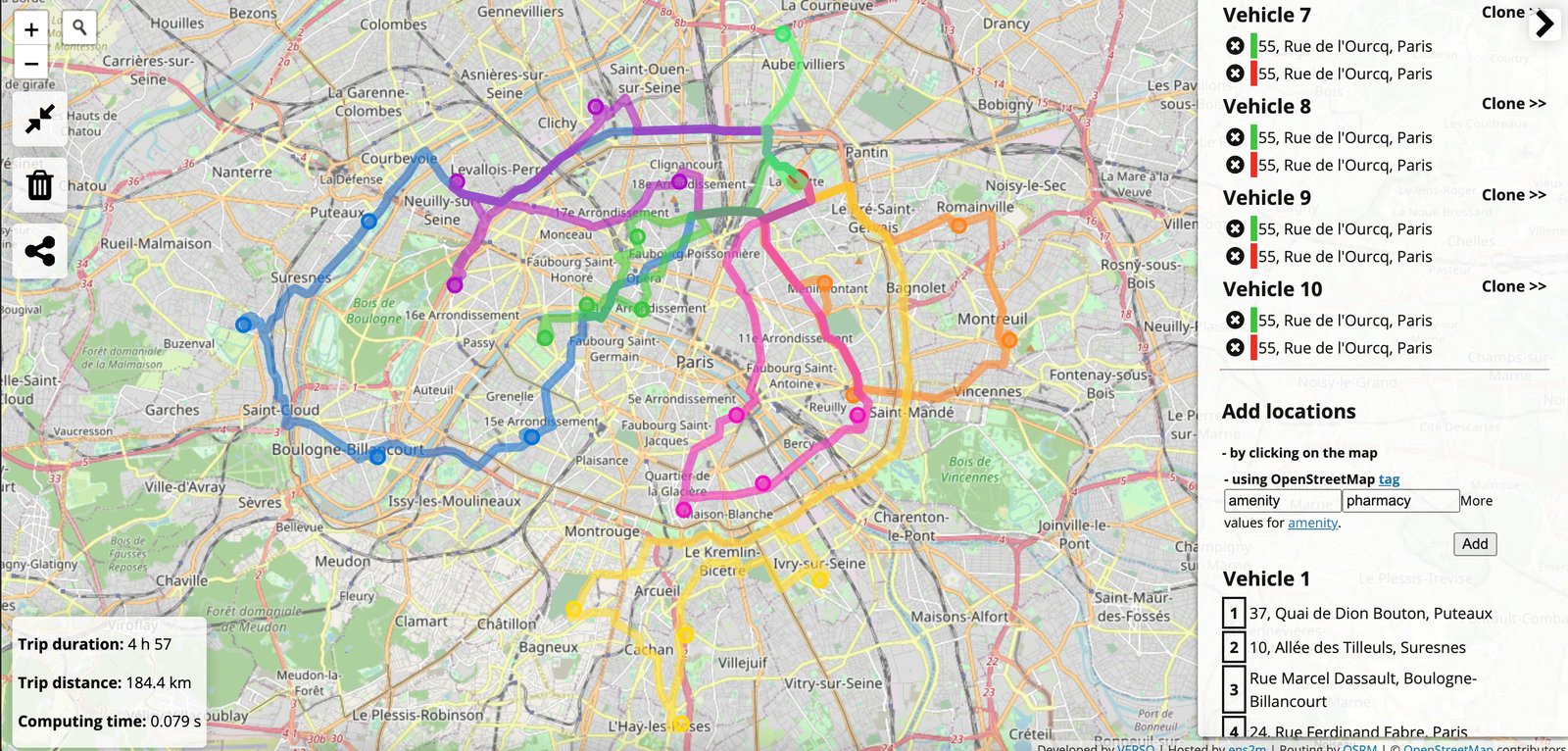
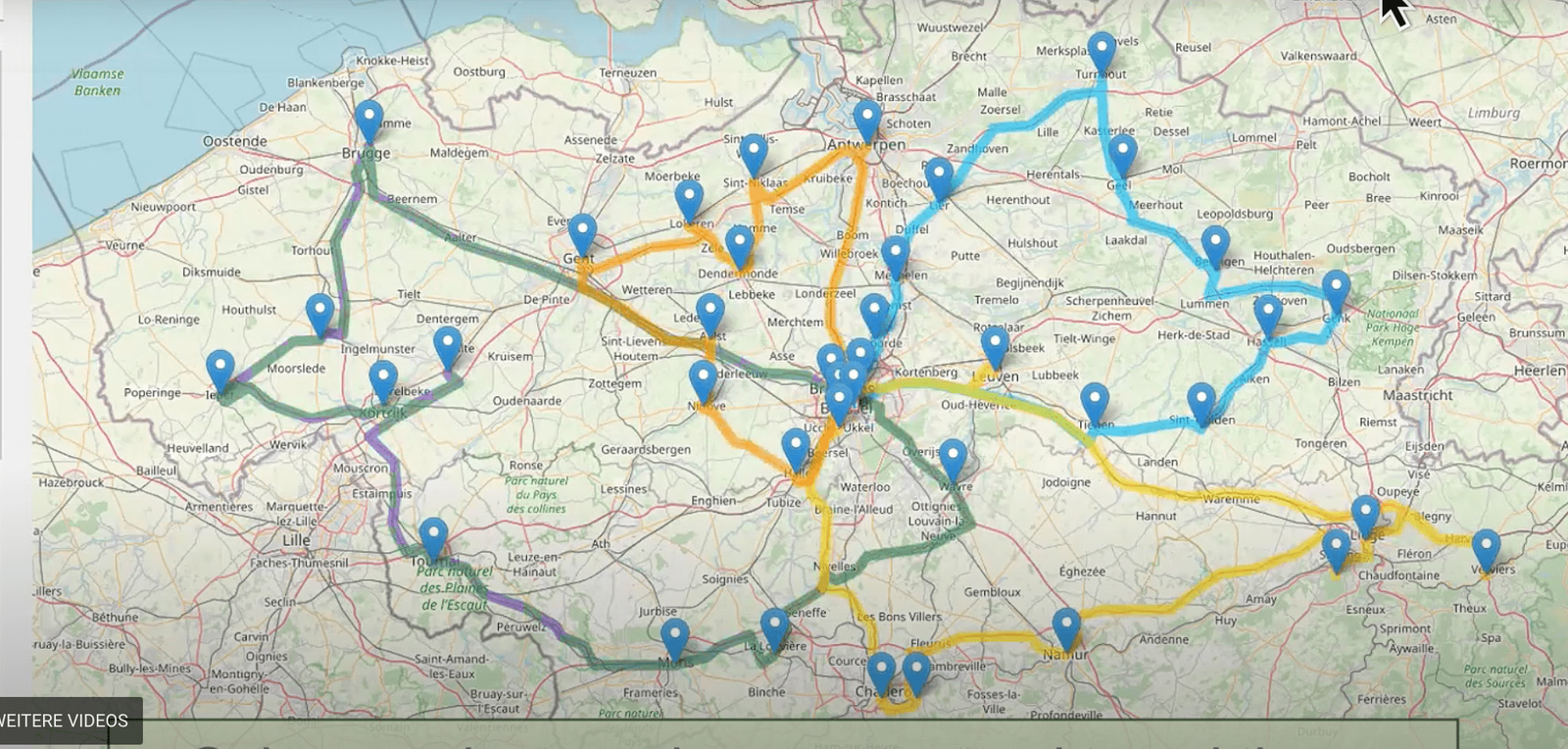
The Vehicle Routing Open-source Optimization Machine goes first because it optimizes more stops in one go than anything else here — over 100. Not only that: it will split the addresses across up to 10 routes automatically. To add addresses you can save your spreadsheet as CSV and import it, or just click on the map. Once all the addresses are in, click the gears icon on the left edge of the screen and you get your optimized routes.
MapQuest
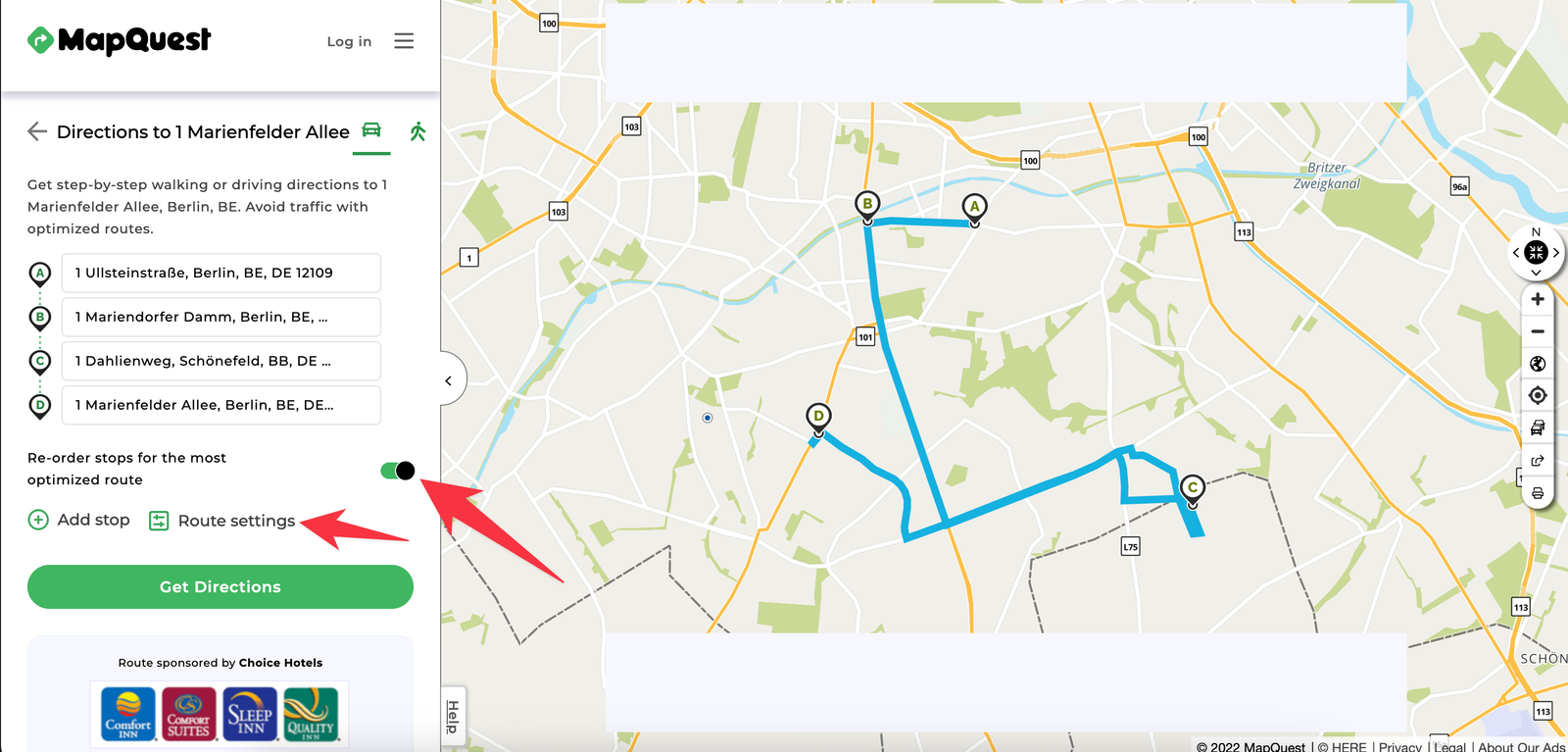
MapQuest takes up to 26 stops and optimizes them. Besides units you can set the route profile and roads to avoid. Create a MapQuest account to save routes for later. You can also save routes as PDF or a spreadsheet and print them.
MyRouteOnline
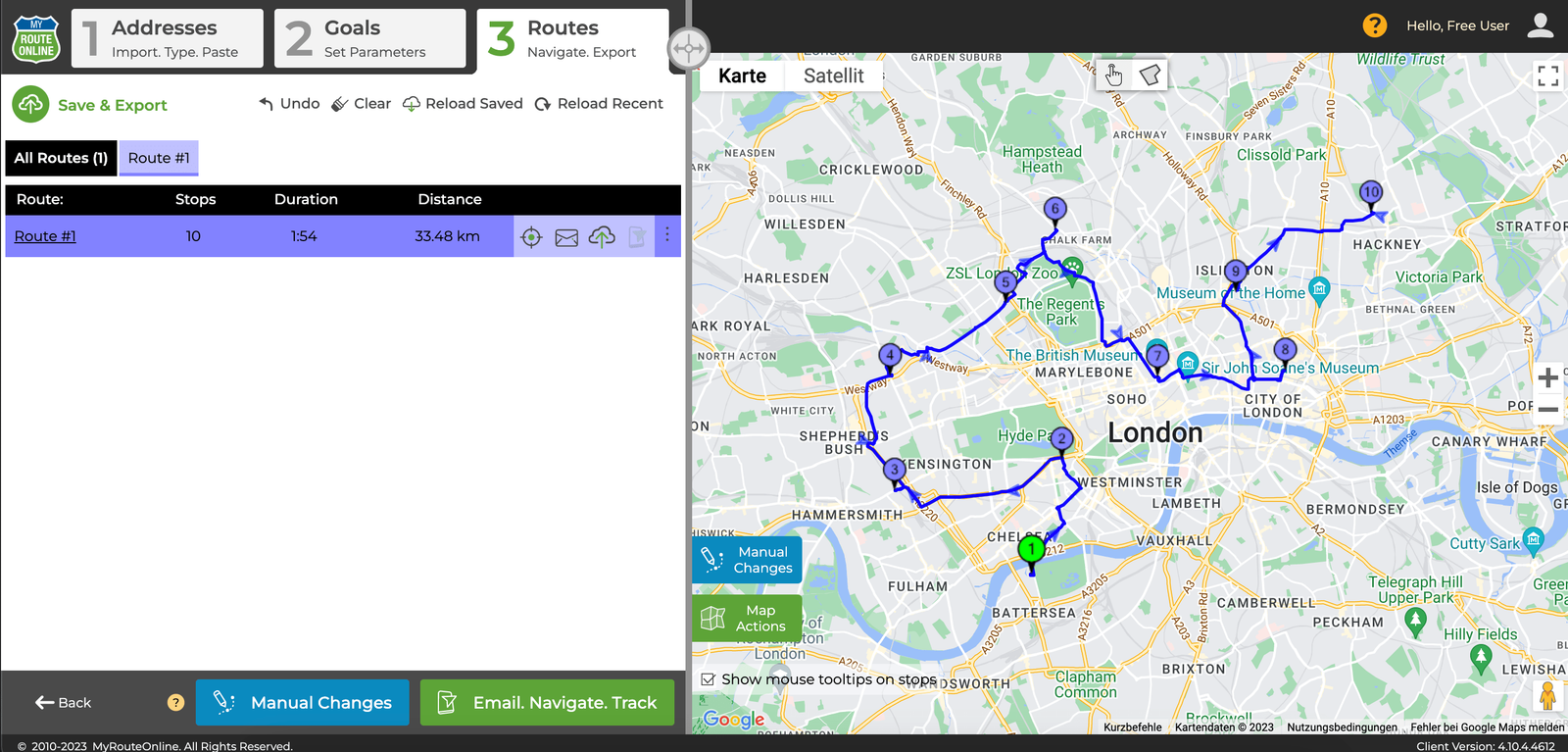
MyRouteOnline offers a lot of features for dispatching trucks and is built around US conventions. The free version optimizes up to 23 addresses. You can import a spreadsheet, type addresses in, or paste them out of your own sheet. Once the addresses are in the system there are a lot of options for calculating the optimal route — break times, working hours, load limits and others that affect the result.
OpenDoorLogistics
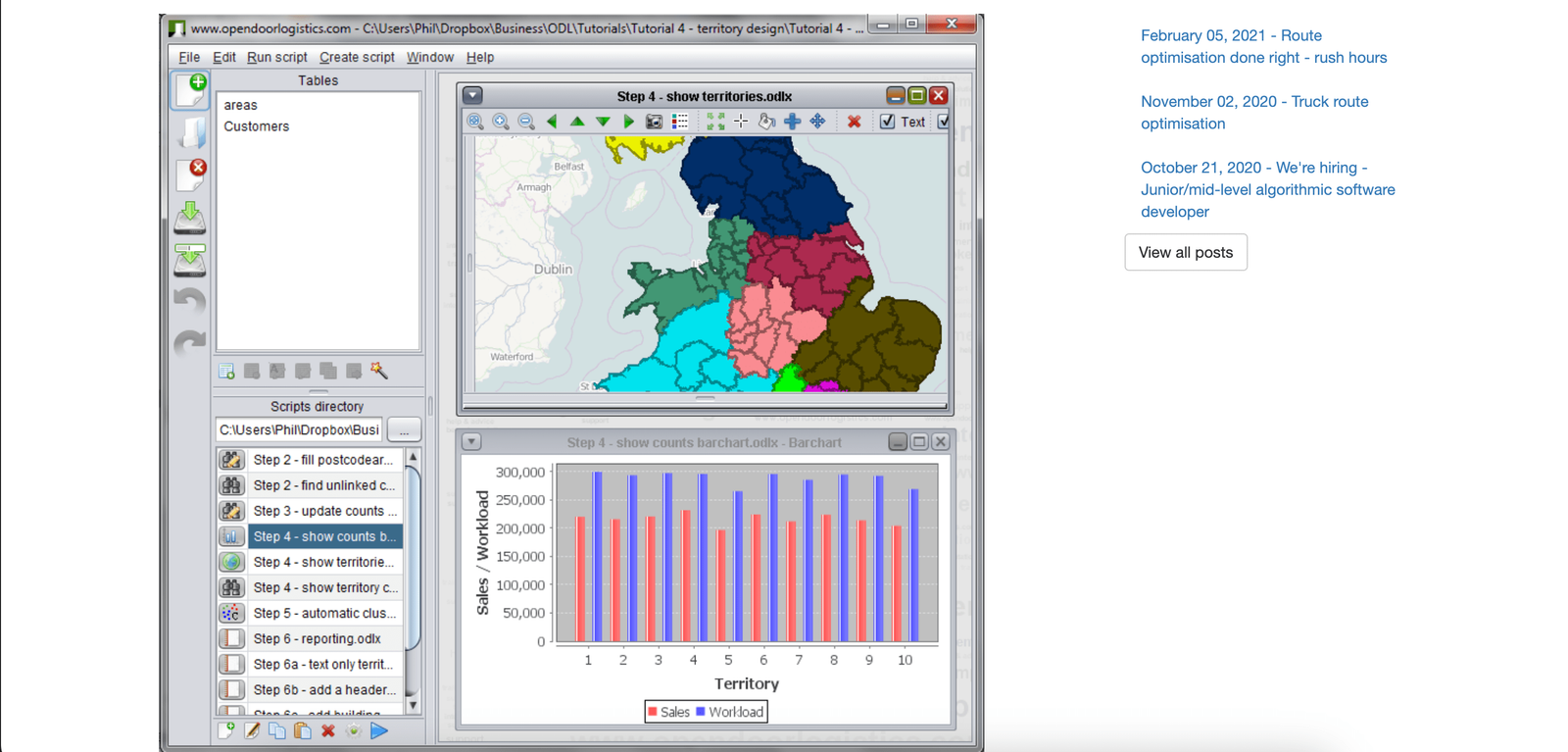
OpenDoorLogistics comes in a paid version with live planning and a free version to download. Unlike the tools above, you cannot use OpenDoorLogistics in a browser. If you would rather not spend time installing things on your computer, skip this one.
For everyone else: OpenDoorLogistics optimizes over 100 addresses at once. The problem is that it is complicated to use and the interface looks badly dated. If you want to try it anyway, read the documentation before you start.
OptaPlanner
Like OpenDoorLogistics, OptaPlanner installs on your own computer. There are versions for Windows, Linux and Mac. Setup is a little more involved, because after downloading you have to use a terminal once to start the system. Once that is done, OptaPlanner gives you a lot of route planning and optimization capability. It optimizes over 100 addresses at once and splits them automatically across routes, taking route profiles, time windows and other parameters into account. A very good tool if the setup does not put you off. Worth knowing: the team behind OptaPlanner now develops the solver as Timefold, which is where active development has moved.
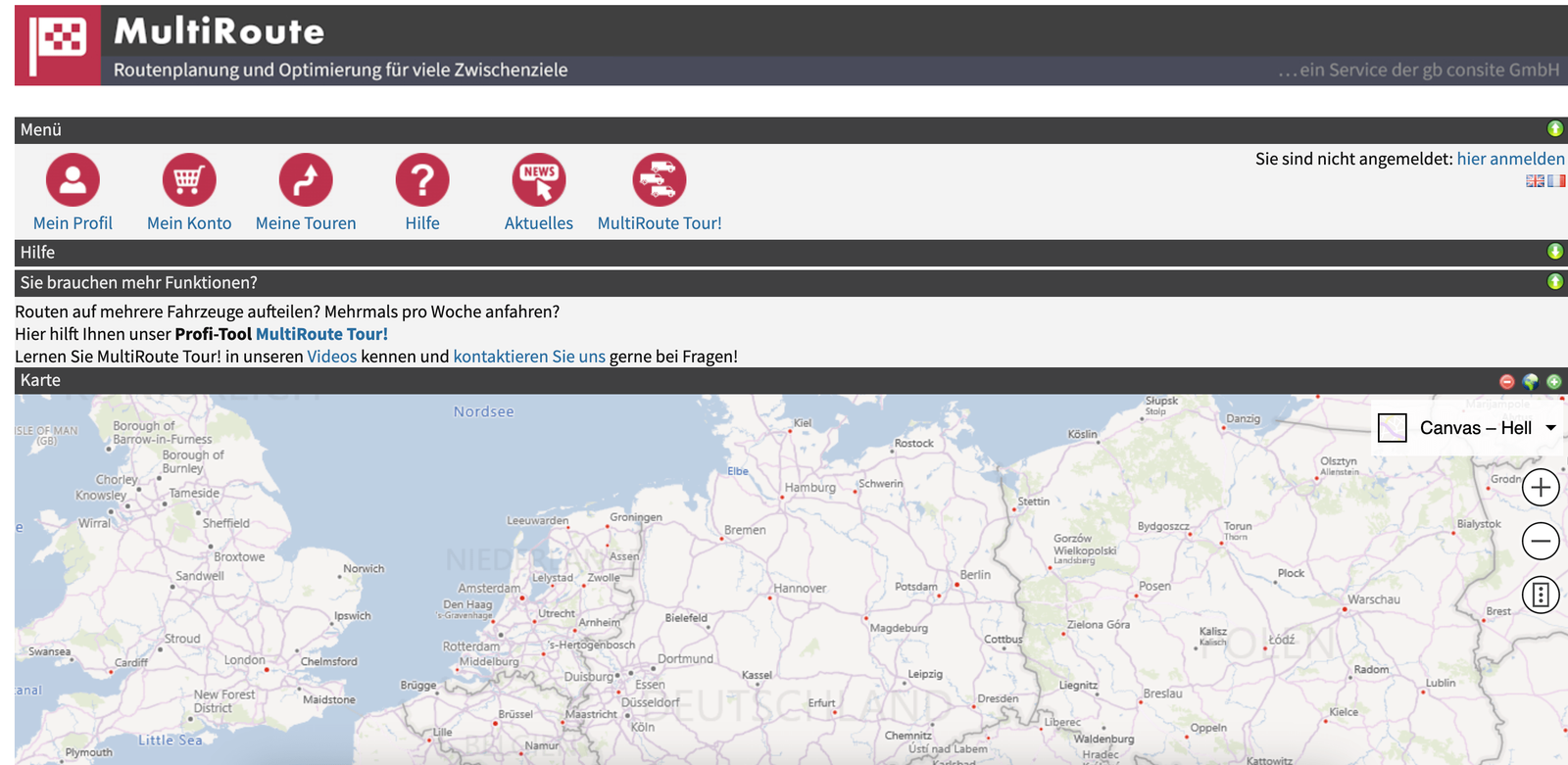
MultiRoute
MultiRoute optimizes up to 20 addresses free. Paid packages take that up to 100.
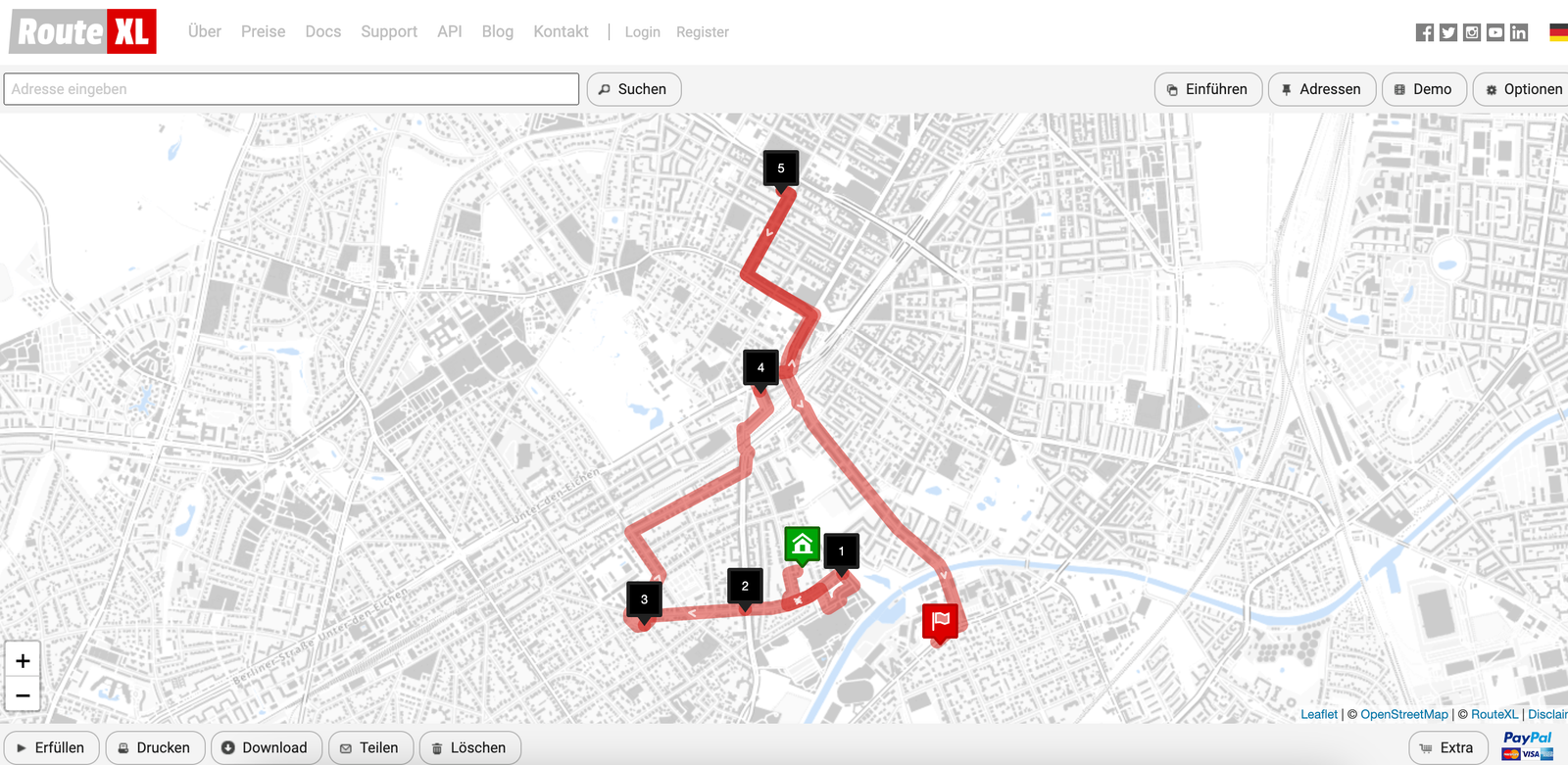
RouteXL
RouteXL works much the same way. Twenty addresses are free; anything beyond that costs money. After an import you can still edit addresses and attach more information to them — notes, time windows and so on.
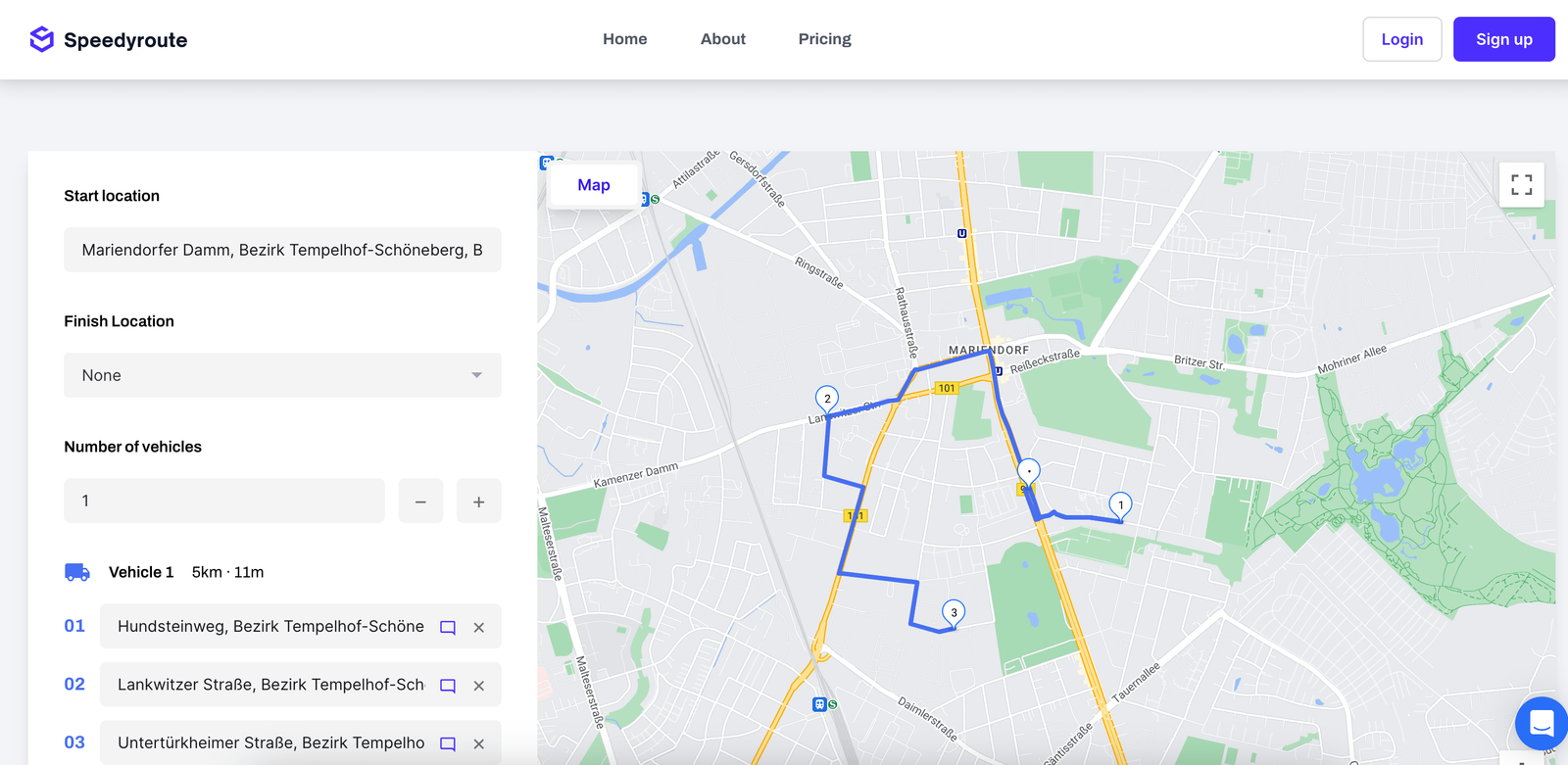
SpeedyRoute
Fewest addresses per route on the list, so it goes last. Ten stops optimized free. If you need more features and more stops, the paid plan starts at around $70 a month.
When you have more addresses than a free planner can take
If you are using one of the free route planners above and finding it no longer covers what your business does, look at xRouten. You get:
- no limit on the number of addresses
- automatic distribution of stops across routes
- as many routes as you need
- time windows, working hours, notes, photos, attachments and more
- an interface that is quick and does not need explaining
- no long installs and no learning period
- mobile apps with navigation built in
- automatic proof of service
- and plenty of other things that save time
Try xRouten free for 14 days and get time back on planning and paperwork straight away.

Try xRouten free for 14 days
Try it now