
The best app for winter maintenance: plan, drive, document.
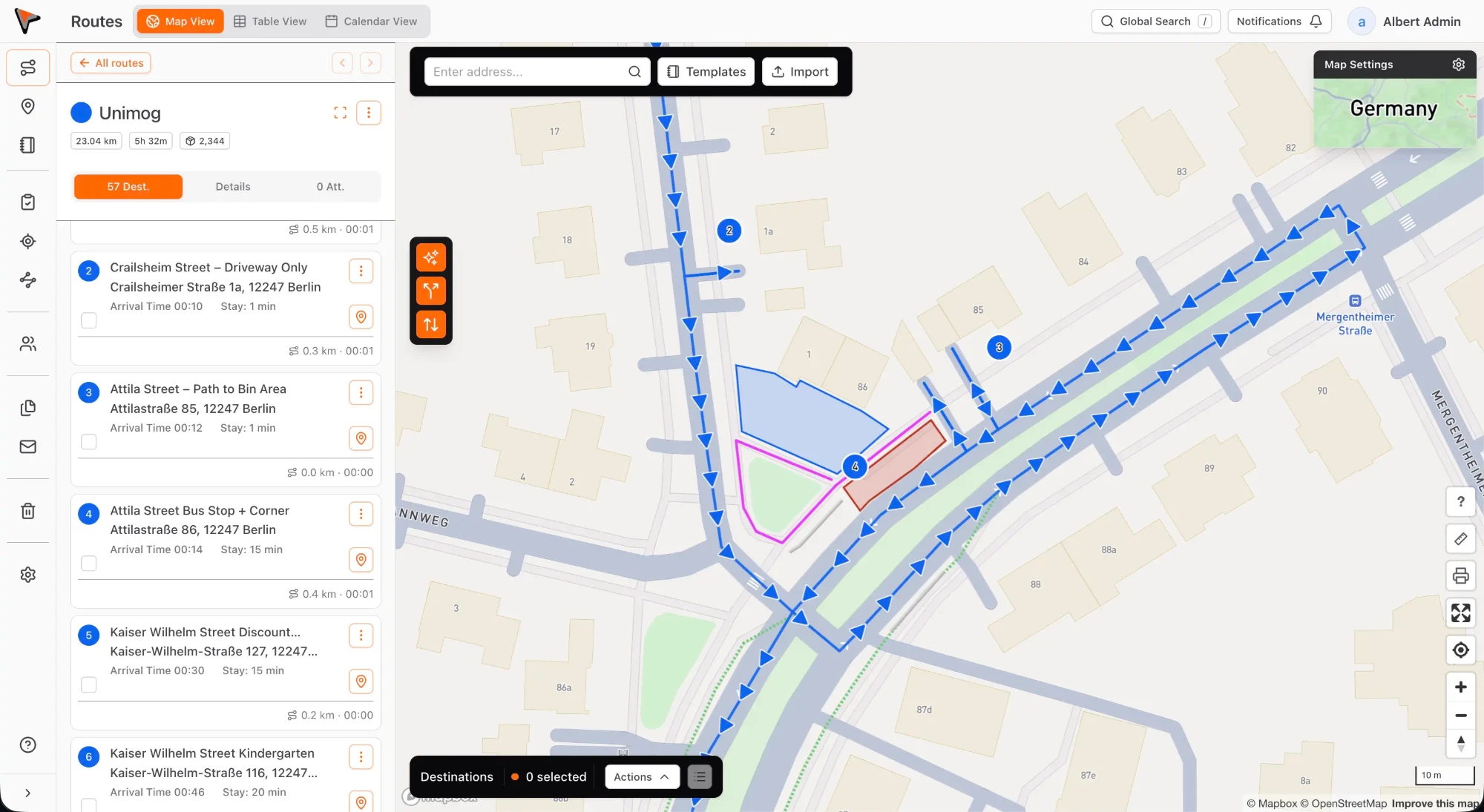
Everything for winter maintenance in one app
The xRouten app covers your whole winter maintenance operation. Plan clearing and gritting routes on your computer, mark sites and paths right on the map, and add site sketches and notes for your drivers.
Out on the job, your drivers see every route in the app, with addresses, sketches and key info. Built-in navigation gets them there and steers round traffic jams. GPS tracking sends their location to the office in real time and records every route automatically.
Confirmations are created on site, either automatically by geofencing or with a tap on “gritted”, “cleared” or “inspection run”. Drivers can add photos right away. Everything is saved with a timestamp and GPS, and you can share it with customers by e-mail or through a customer portal.
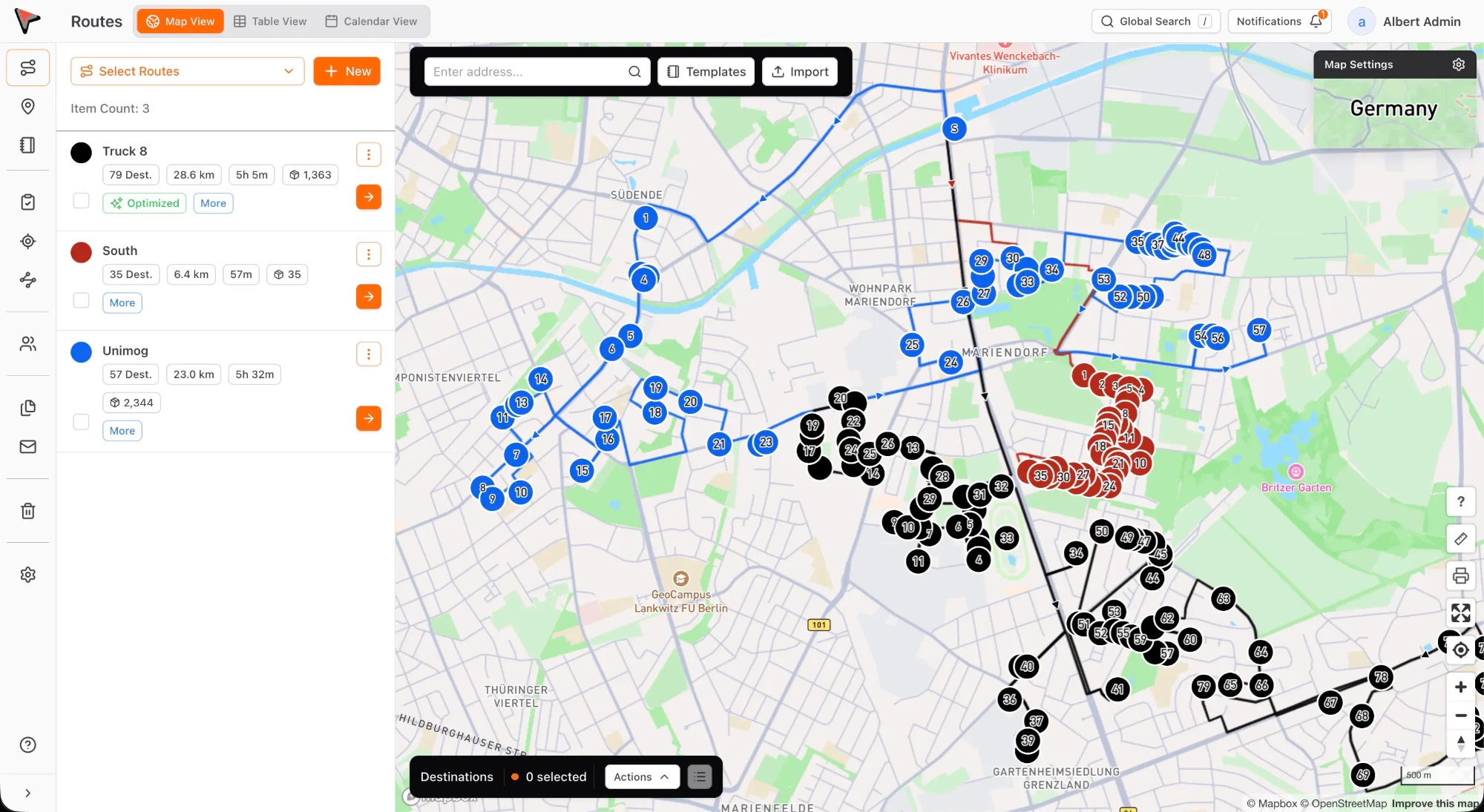
Plan & mark routes
Plan clearing and gritting routes on your computer and mark sites and paths right on the map.
Drive with navigation
See and drive every route in the app. Navigation that avoids traffic jams is included.
GPS tracking
See where every driver is in real time. Every route is recorded automatically.
Create confirmations
Automatically by geofencing, or with a tap on “gritted”, “cleared” or “inspection run”.
Stored safely
Every confirmation saved in real time with timestamp, GPS and photos. Nothing gets lost.
Share with customers
E-mail confirmations or give customers their own portal.
Plan routes and mark sites
Prepare your winter maintenance from your desk. Plan routes, mark every site and path right on the map, and add sketches and notes for your drivers.
Plan winter maintenance routes
Create all your clearing and gritting routes on your computer and let xRouten put them in the best order.
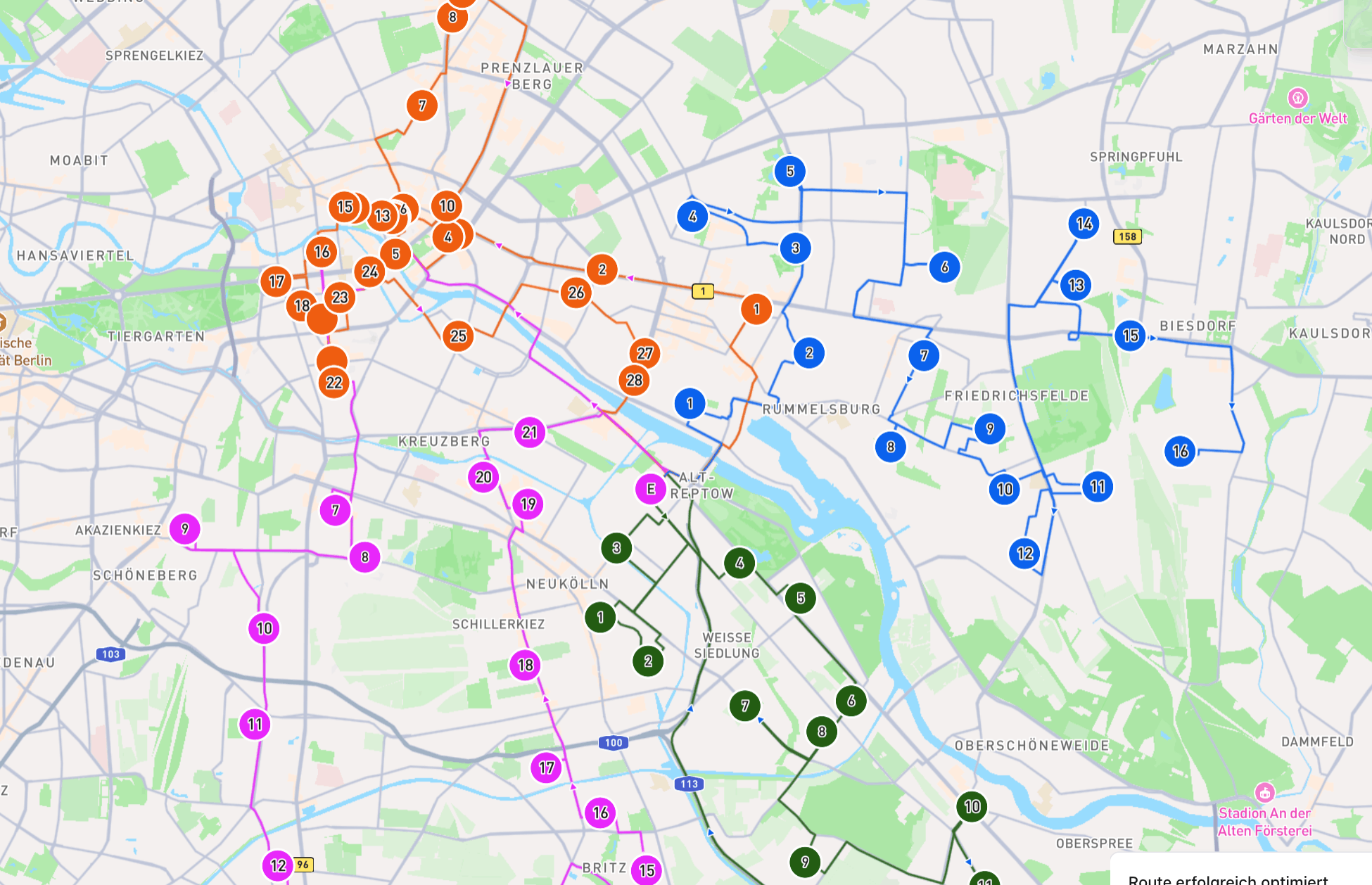
Mark sites and paths on the map
Draw areas, lines and points on the map so everyone knows exactly where to clear or grit.
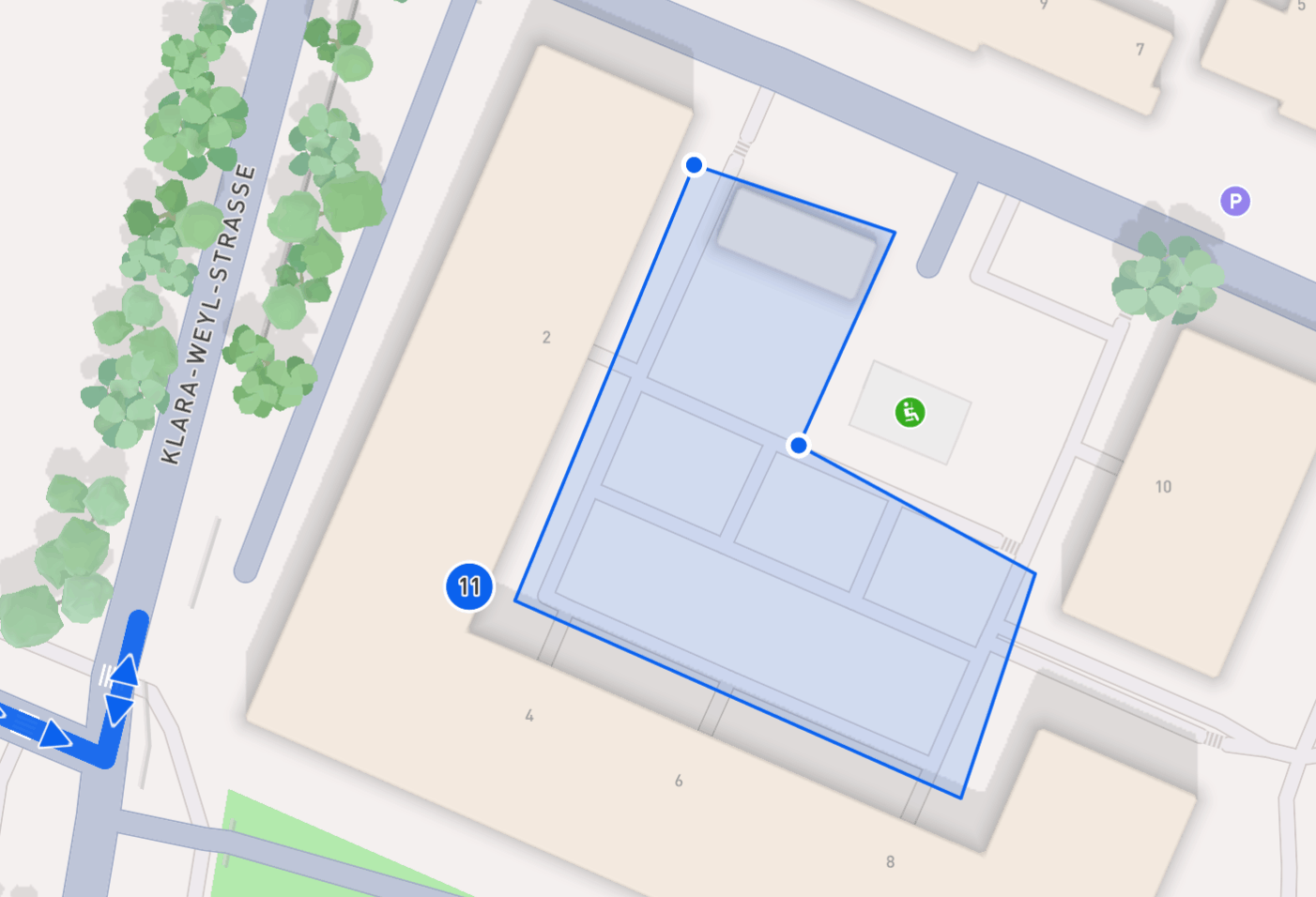
Add site sketches and notes
Add sketches, PDFs and notes like “clear by hand” to each site. Your drivers see it all in the app.
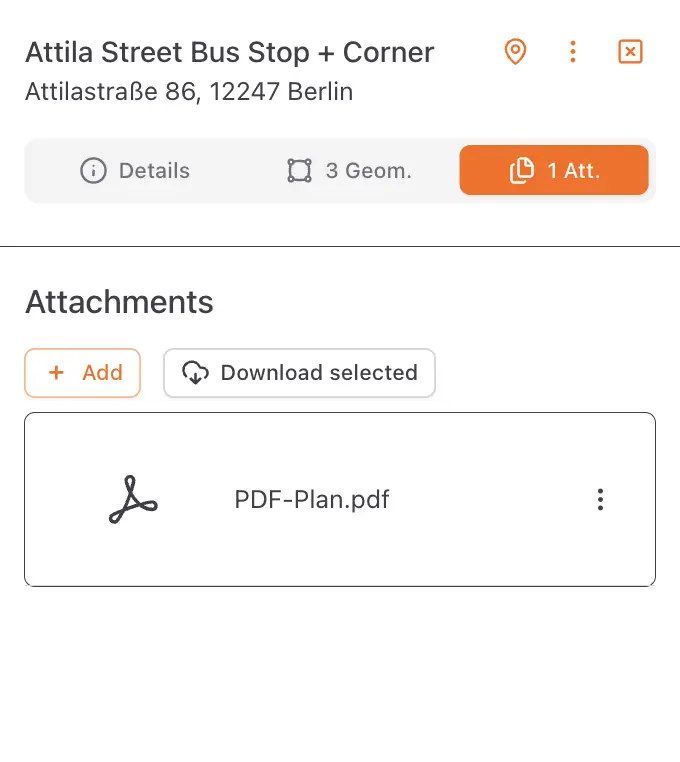
See and drive every route in the app
Your drivers open the app and see every planned route straight away, with sites on the map and all the key info. Navigation included.
The app on a winter shift
Everything your drivers need on the road to reach every customer and document every job quickly and accurately.
The full clearing and gritting route lands on the phone automatically. Your drivers see every address, tap the next one and go.
Every clearing and gritting site appears on the map in the app: areas, lines and points, exactly as you drew them.
Site sketches, notes like “clear by hand”, PDFs and service specs appear right in the app. Nothing gets lost.
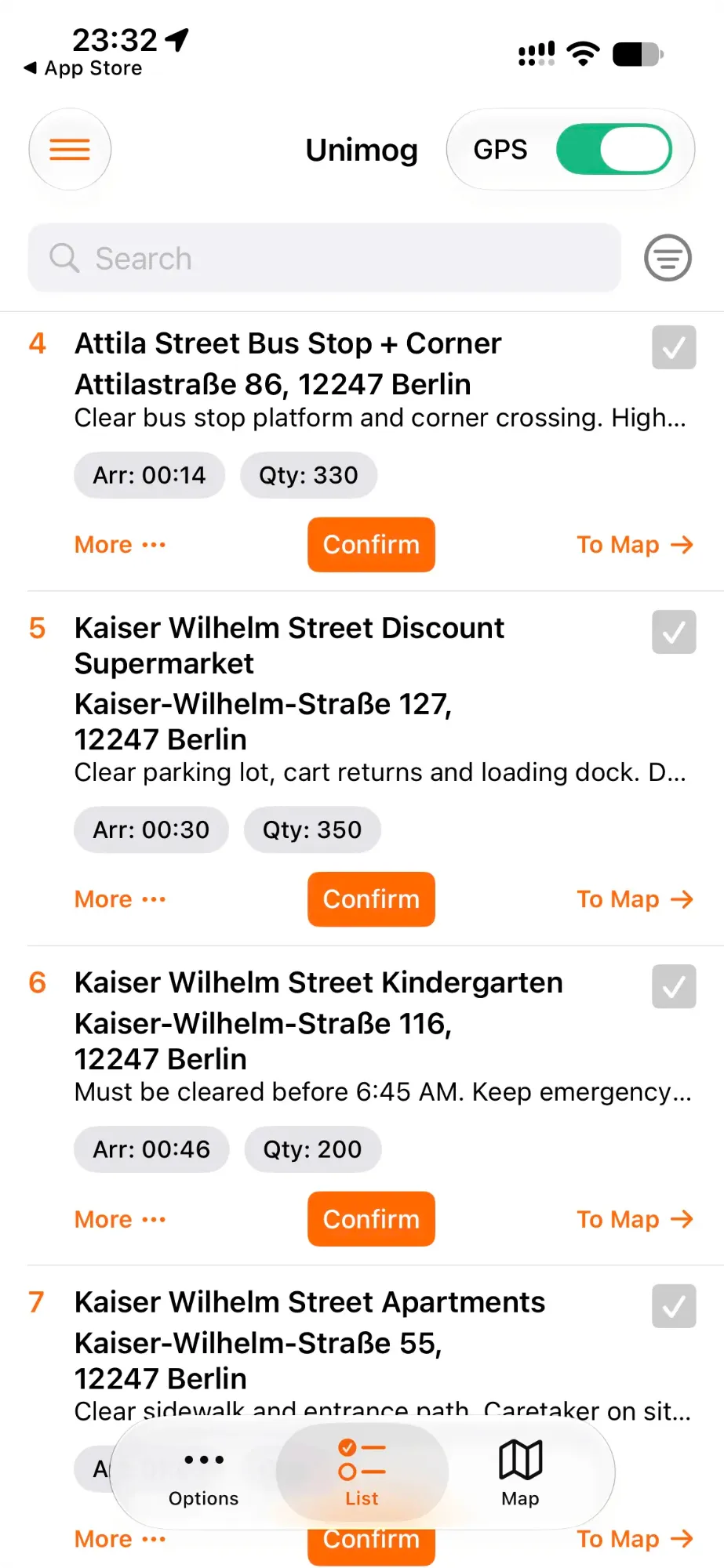
Live GPS tracking for your winter fleet
GPS tracking built into the app
Locations are sent automatically. No extra GPS devices needed.
Every driver at a glance
See where each driver is in real time and how far along the route they are.
Record routes automatically
Every route driven is recorded so you can check it later.
Document winter maintenance automatically
Geofencing creates confirmations on site automatically. Or your drivers tap the status in the app and add photos and signatures as needed.
Automatic confirmations with geofencing
When a driver reaches the site, the confirmation is created automatically, even if the phone stays in their pocket.
Cleared, gritted or inspection run. You choose what matters.
Set it up once, then just tap. Quicker than any paper slip.
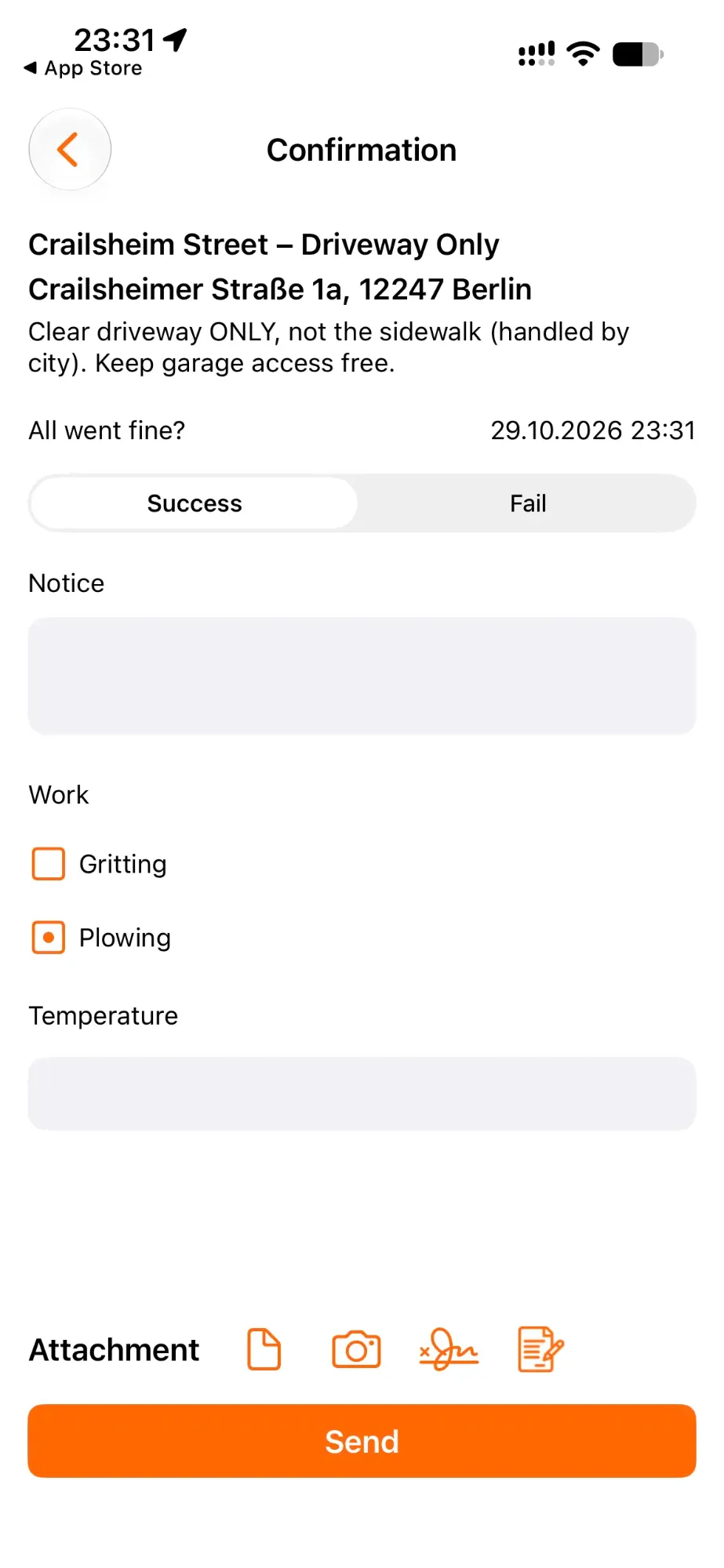
Add photos on site
Snap a photo in the app when needed: before, after or anything unusual, all with timestamp and GPS.
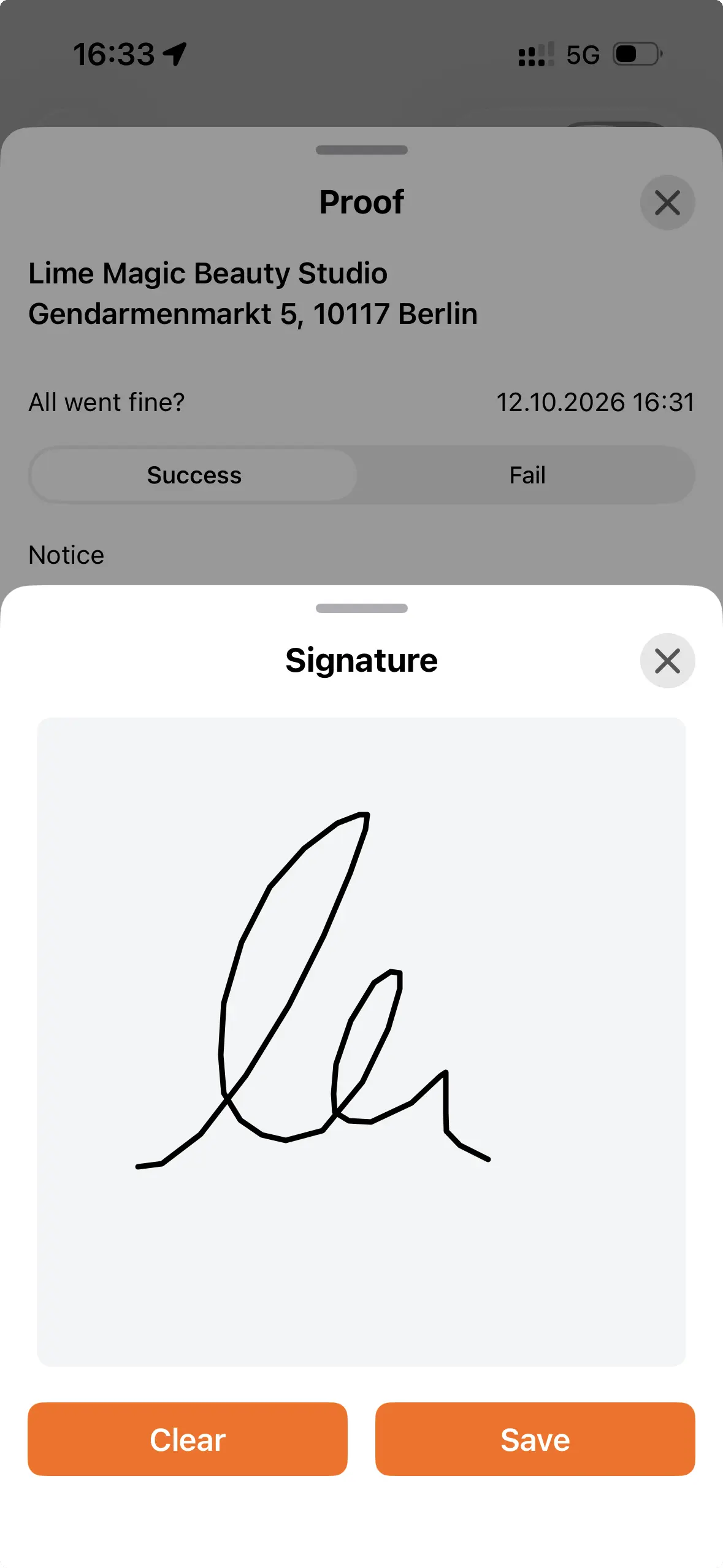
Store confirmations and share them with customers
Arrival alerts and photos for your customers
Send e-mails, texts or WhatsApp messages automatically.
Sende-mails,textsorWhatsAppmessagesautomatically.
.svg?dpl=dpl_DRvbtDW9Frk7qQDsRsPPvZSDRreV)
We've been on site
Today, 14:32
Tauentzienstraße 13, 10789 Berlin
Sample & Partners Ltd
Confirmation with photos available.
Tracking links, just like DHL
Do what DHL does and let your customers track their delivery themselves.
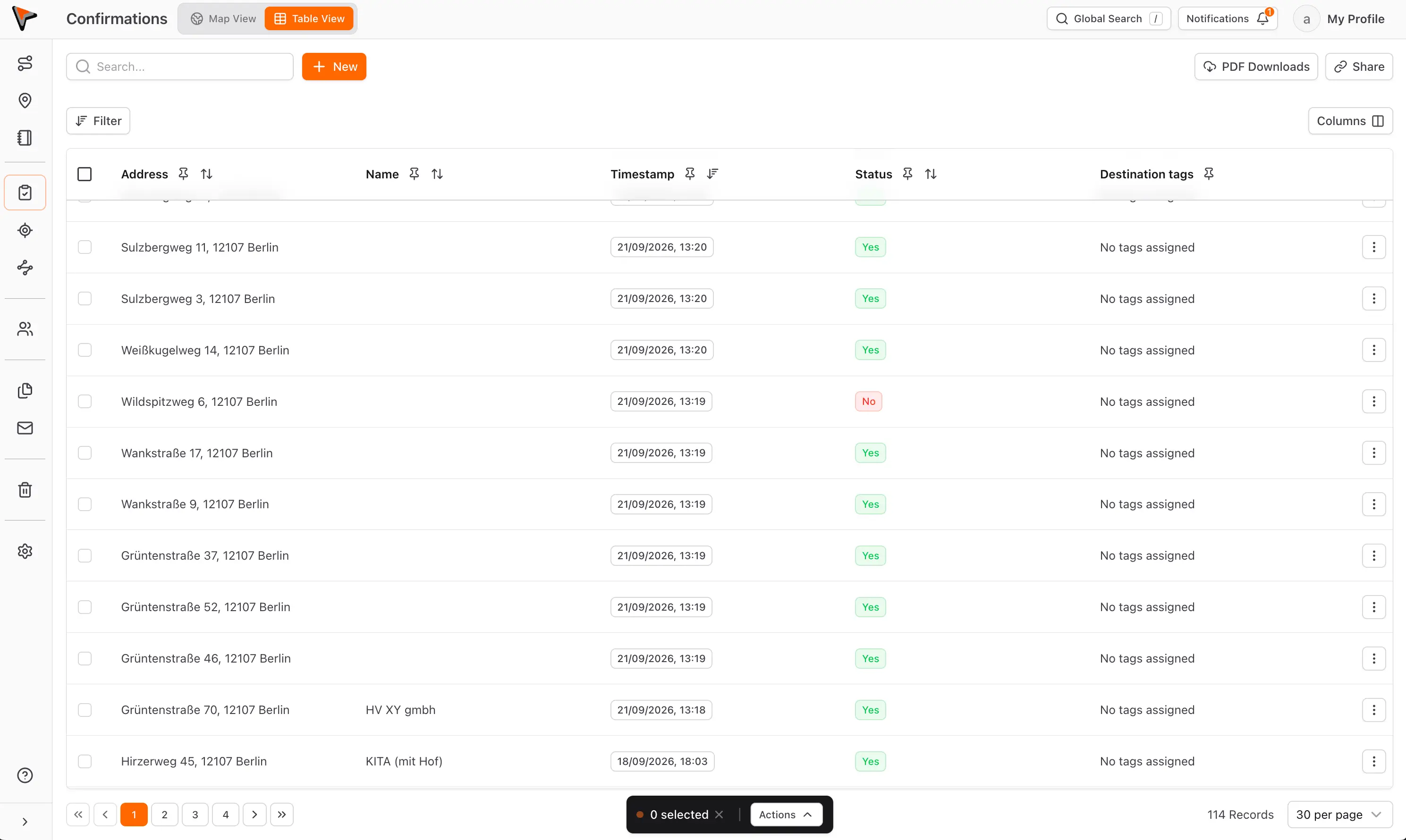
A customer portal for every confirmation
Give your customers their own login and choose which confirmations and details they see.
Export confirmations or sync them with your systems



FAQs
Rather not read all this? No problem! Just call us or book a video call and we'll show you how it all works.
The app is available for iOS and Android and runs on all common smartphones and tablets. Download it from the App Store or Google Play.
Yes. Draw areas, lines and points right on the map. They then show up in the app on your drivers' phones, so everyone knows where to clear or grit.
Yes. Add sketches, PDFs, photos and notes like “clear by hand” to any site. Your drivers see everything in the app, so nothing gets lost.
Yes. Navigation runs right inside the xRouten app, with voice guidance and automatic traffic jam avoidance. Your drivers don't need to switch to Google Maps and type in addresses.
Yes. GPS tracking is built into the winter maintenance app. You see where every driver is in real time, and every route is recorded automatically. No extra GPS devices needed.
Geofencing creates them on site automatically as soon as the driver reaches the site. Or the driver taps “gritted”, “cleared” or “inspection run” in the app and adds photos if needed.
E-mail confirmations to your customers in one click, either automatically when the route is finished or manually. Or give your customers a portal where they download confirmations themselves.
Yes. Add as many drivers as you like. Each driver only sees the routes assigned to them. You pay per user, not per route or address.
Yes. By default, the location is sent to the operations manager in real time. You can switch live tracking off at any time if needed.
Save time in the office and on the road
No need to cancel. Your trial simply ends after 14 days.