
Send emails straight from xRouten
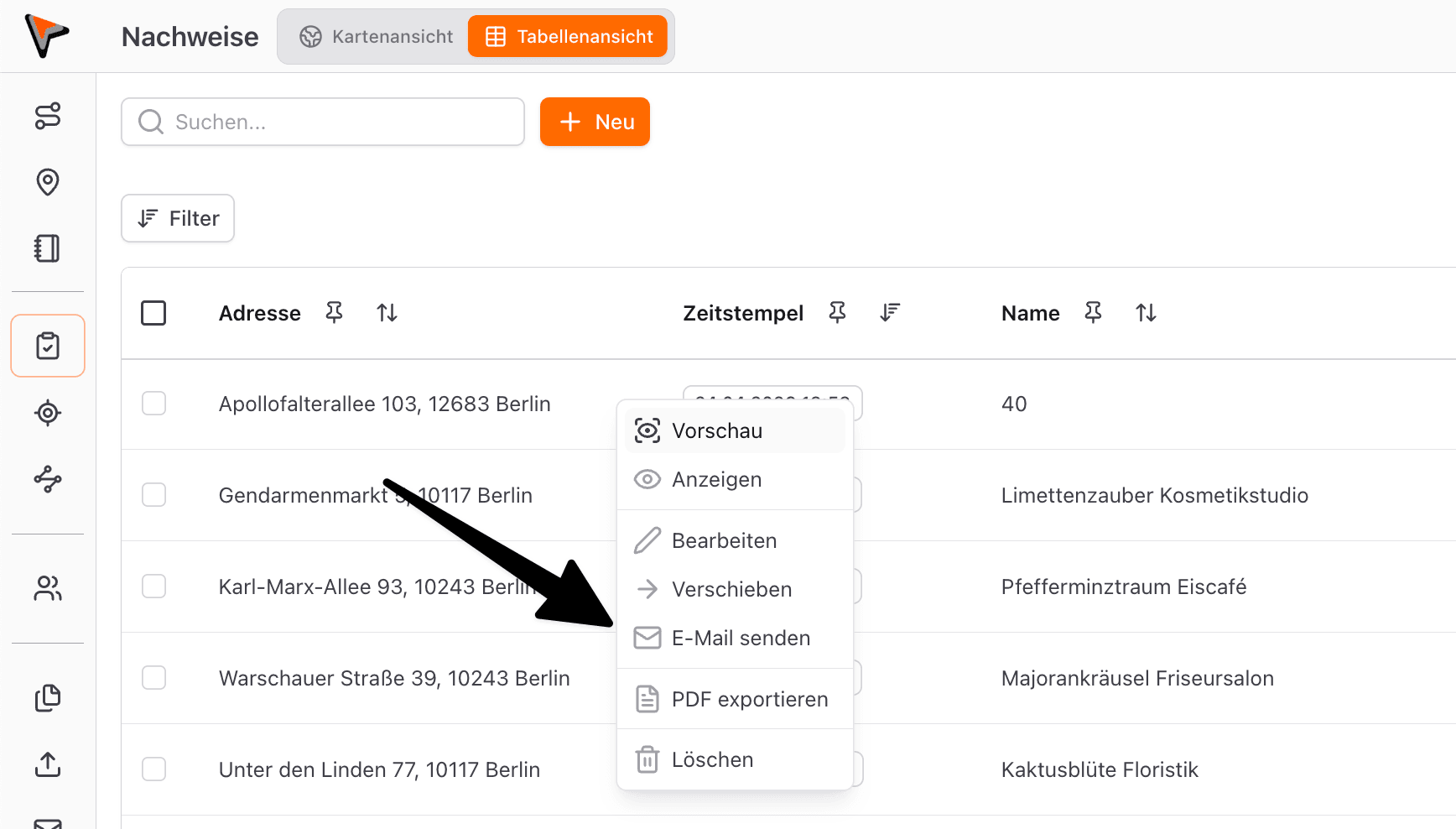
Notifications for your customers still go out automatically by email. On top of that, you can now send emails directly from the programme in a few clicks. Just click the three dots next to a proof of service, or right-click the proof itself, and choose "Send email".
You pick the email address the proof goes to from those already on file, or type a completely new one.