
Multiple recipients for emails
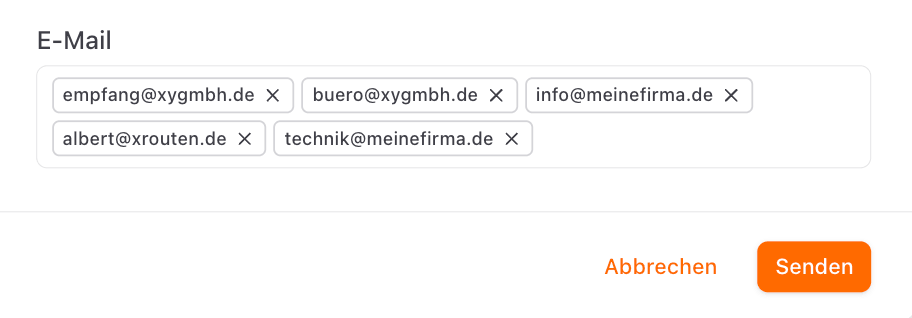
Proofs of service and announcements can now be sent to several email addresses at the same time.
Simply type an email address and then press ENTER or the TAB key on your keyboard to type another one.
Or import your routes and destinations including the email addresses as usual. When you do, make sure the email addresses in your spreadsheet are separated by a comma or a semicolon.