
Flexible Excel exports
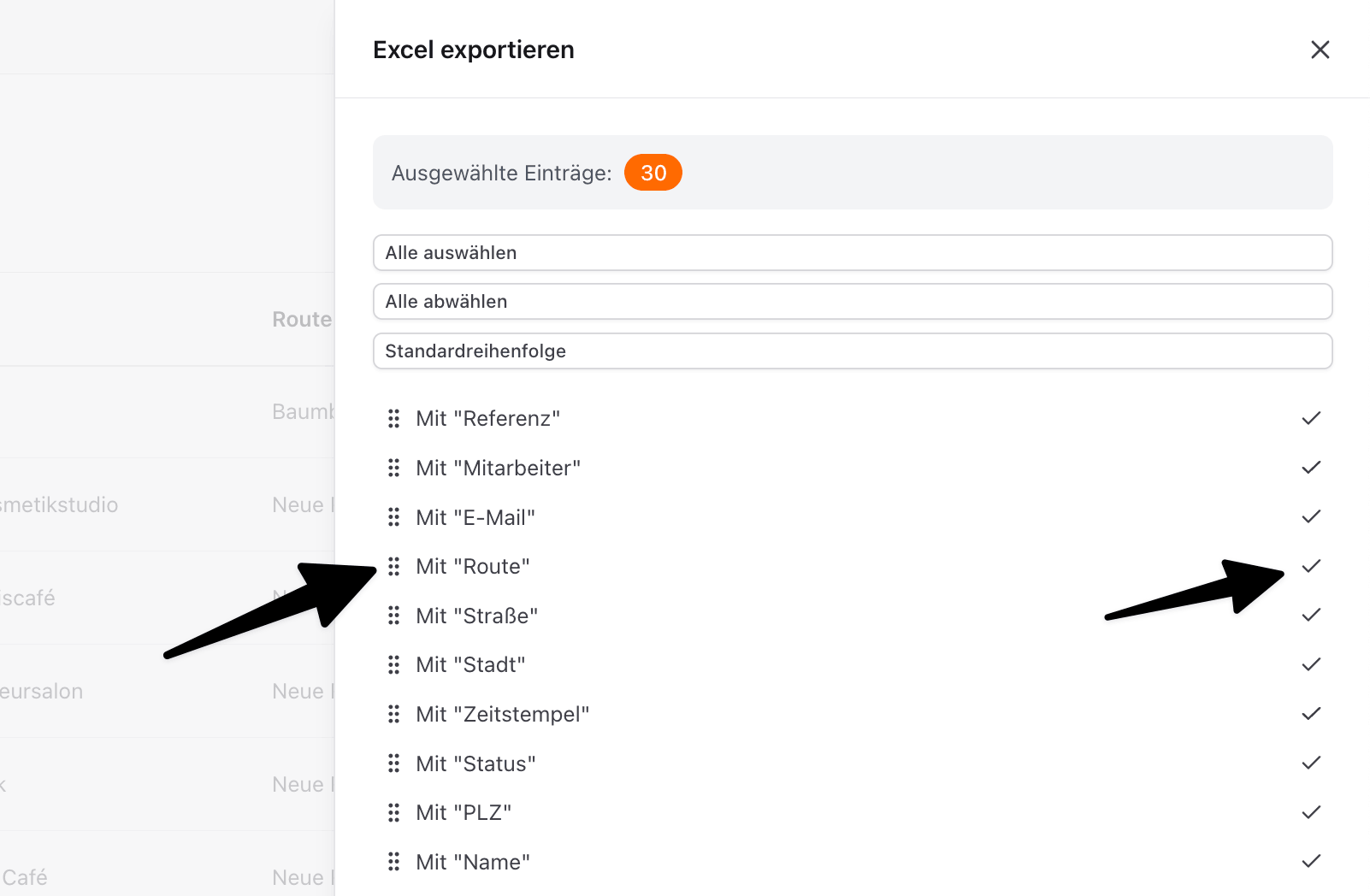
You can now decide which columns come out of an Excel export, and in what order.
Use the six dots next to each column to drag it up or down. Click the column directly to hide it or show it again.
The system remembers your selection for the future, so you do not have to set everything up again each time.